Auto
Whoever looks at the camera goes front and centre.
No presets to configure. The most natural gesture in the world, looking at the person listening to you, becomes the director's cue.
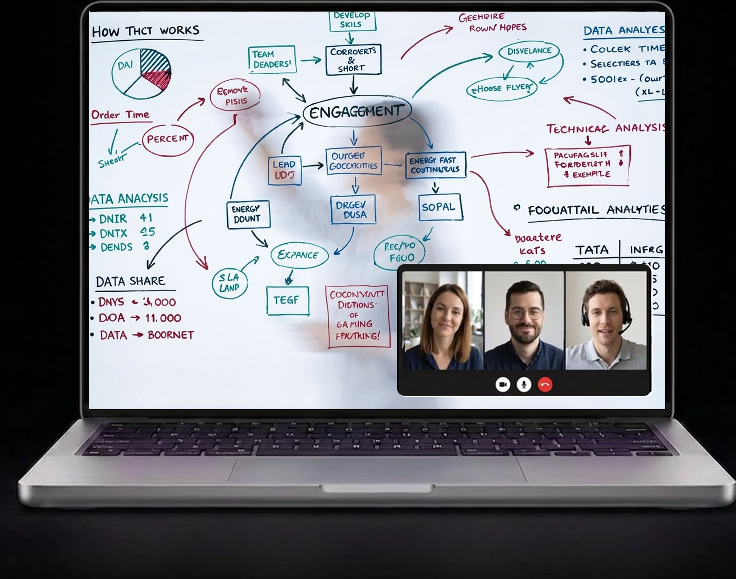
A camera captures the board and cleans it in real time: the writer fades to a soft ghost, the strokes stay crisp in the call.
It's free, and free on your interactive displays too.
Compatible with
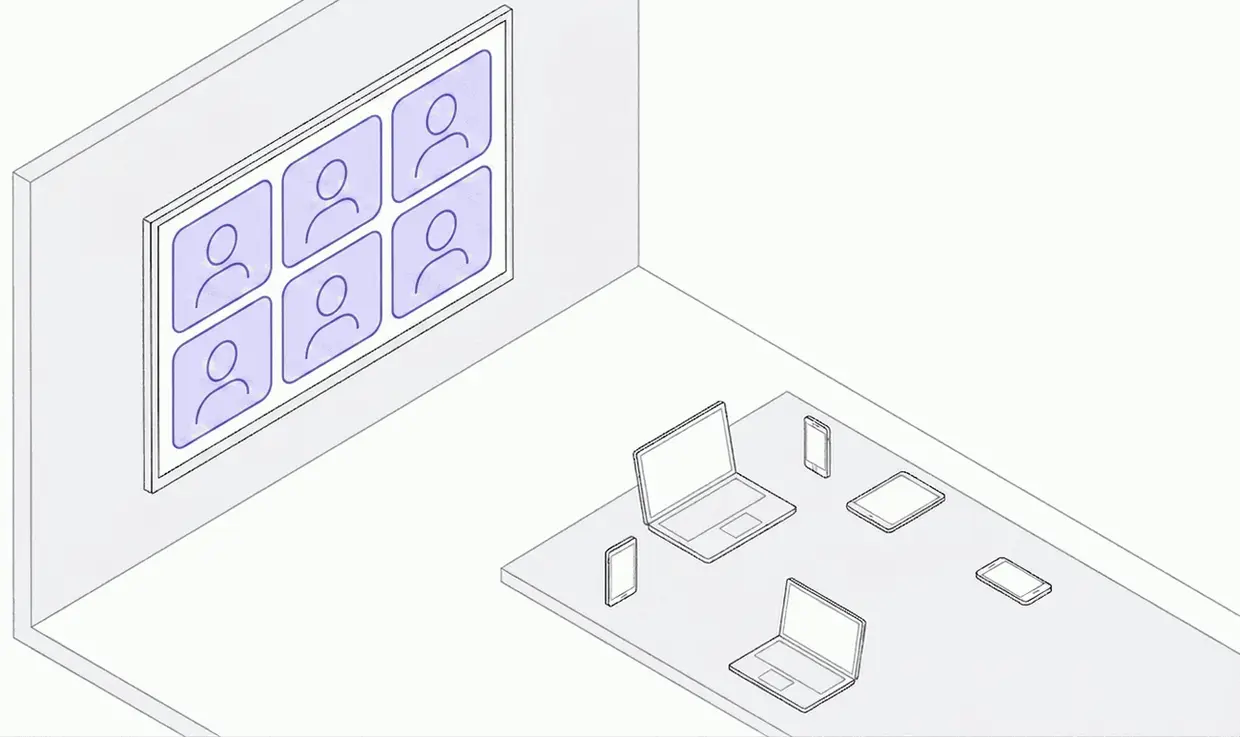
In your call, only this laptop joins: every phone, tablet, PC and Mac just feeds it a camera, and each one becomes a tile on the room screen.
The phones and laptops around the table are seamless extension cameras for your laptop or Mac running Mago Director, not guests in your Teams, Zoom, Webex or Meet call.
In a BYOD huddle room you plug your laptop into the big TV and your slides fill the wall. But the camera and mic don’t stretch with it: your webcam keeps its one narrow field of view, framing only you. The colleague right beside you is off-frame, and remote people don’t even know they’re there. And the usual fix, everyone joining the call just to be seen, only adds echo, feedback and the “everybody mute!” ritual.
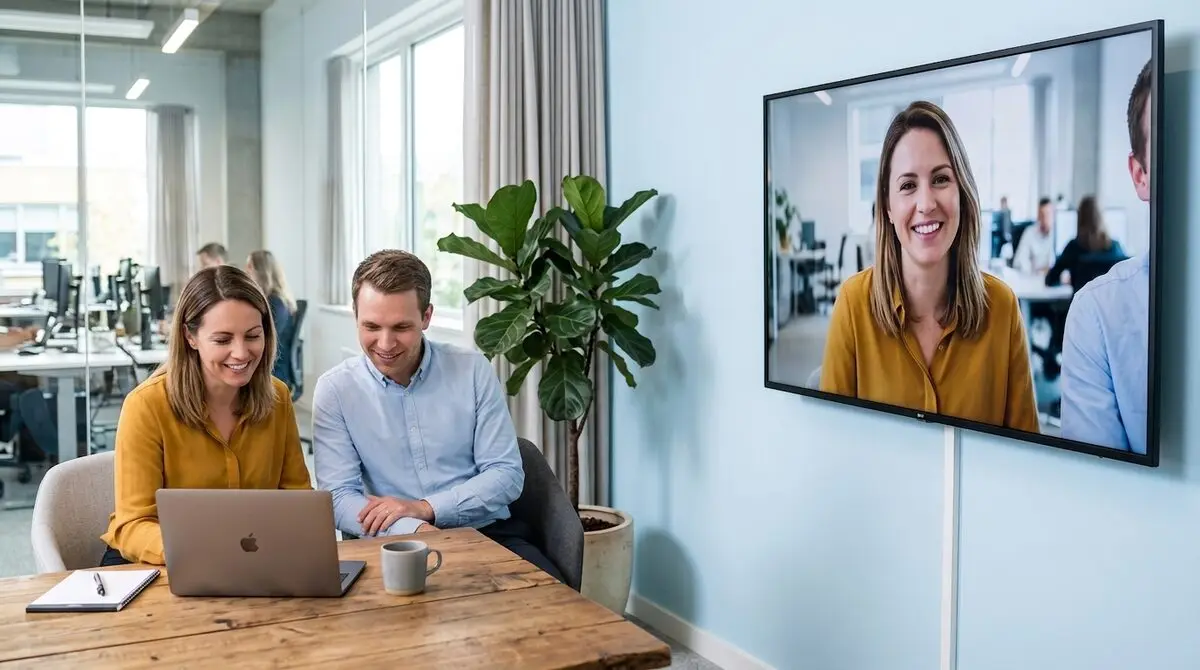
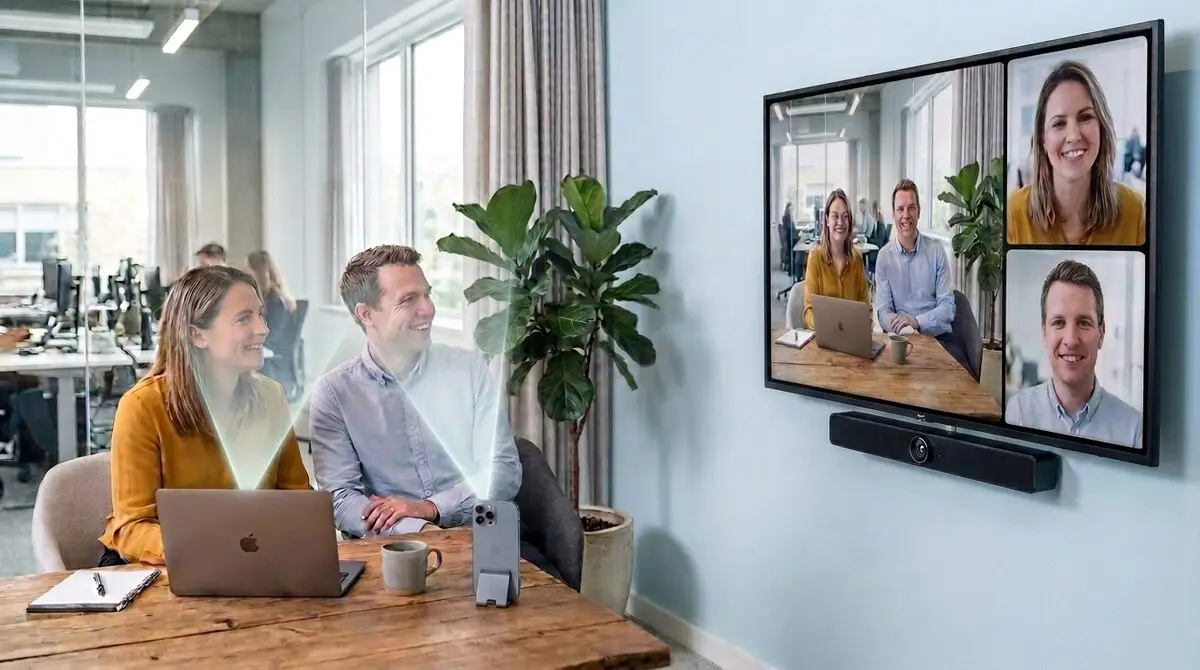
The room's video bar shows the space (left half); on the right, people in tiles, with the close-up rotating to whoever speaks. Nobody is left out. That's meeting equity: people in the room count as much as people at home.
A wall of PTZ cameras, a video bar and a control pad full of presets. That's the old way to make a room multi-camera: complex, expensive, and it needs an operator. Mago Director gives you the same result at zero hardware cost, with the devices you already have: the shot follows whoever speaks, automatically. You just talk, and the direction takes care of itself.
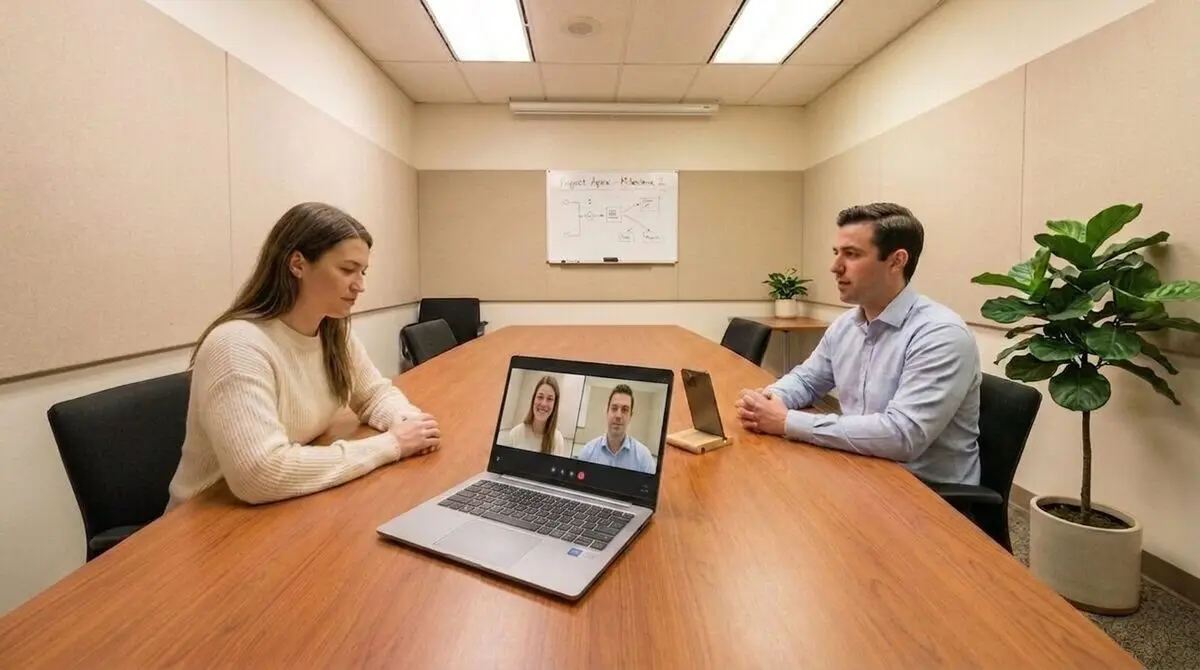
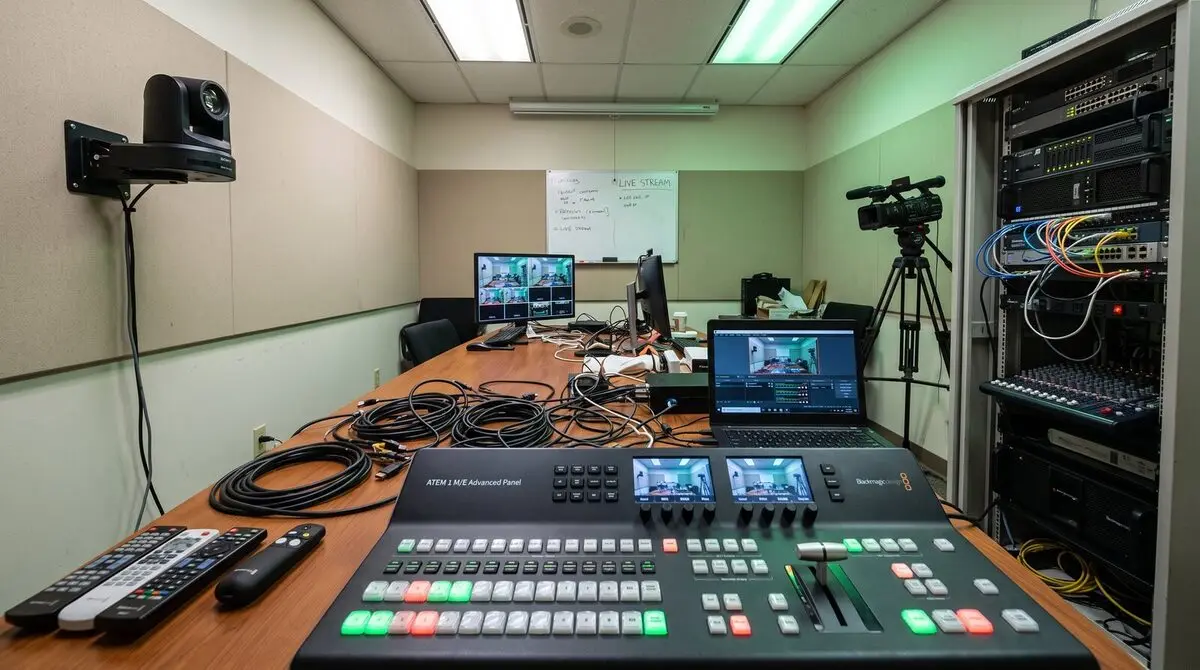
Choose how the room should be told. Mago Director composes the shot and sends it to the meeting: remote people see real direction, not a webcam pointed at nothing.
Whoever looks at the camera goes front and centre.
No presets to configure. The most natural gesture in the world, looking at the person listening to you, becomes the director's cue.
The shot follows whoever speaks.
When two people get into it, instead of bouncing between them it puts them side by side.
The room and the people, together.
A composed view: the room on the left, participants in tiles on the right. Remote people stop peeking through a keyhole.
Never leave your call. Just hold the button.
Your phone is already a camera in the room. Hold push to show and whatever it is pointing at (your face, a prototype on the table, a sketch) goes full screen for the whole meeting. Release it and the room goes back to how it was. No app to switch to, no screen to share, no «can you make me presenter?».
No IT ticket, no hardware to rack, nothing to configure on the network. Install the driver, pick it in the app you already use, and start adding cameras.
One installer for Windows and macOS. It adds Mago Director to your machine as a camera. Nothing else on it changes.
Open Teams, Zoom, Webex or Meet and choose Mago Director in the camera dropdown. That is the whole configuration.
Add phones, tablets and other laptops over wi-fi or by cable. Point one at the whiteboard to bring dry-erase capture in too.
Seconds later you are live, with the room, the people and the board.
A camera watches the whiteboard. Mago Director straightens it, cleans it and digitises it in real time: people in the room keep writing with a marker, remote people see a crisp, glare-free digital whiteboard. With Mago Director, everyone edits the same board together, live.
Open board.mago.io/displays on the screen in the room and it is ready: a code appears, phones and laptops join it, and everyone draws on the same board. It is free, and nobody has to register: not the room, not the guests.
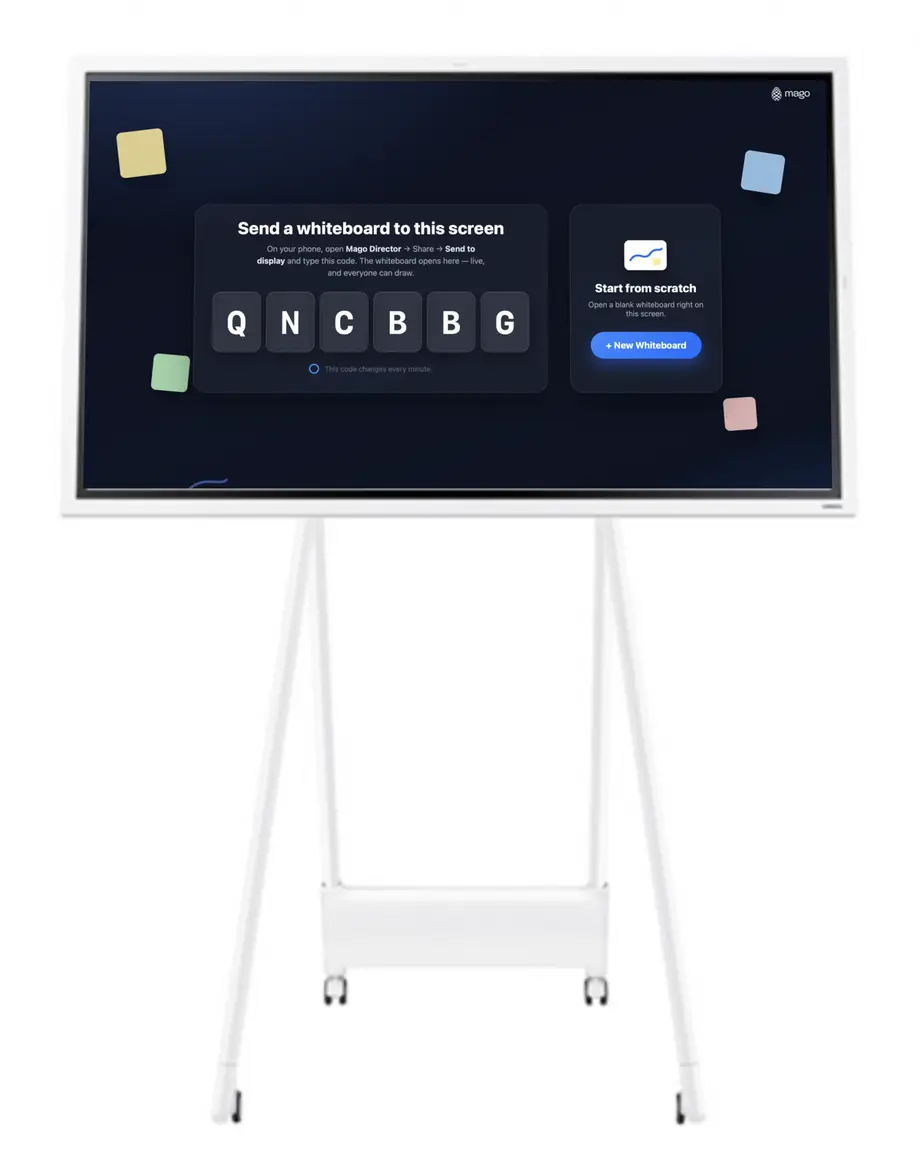
Where the work cannot leave the building, the same whiteboard is available as a paid private server: installed on-premise, self-hosted, or in your own private cloud. Same product, your infrastructure.
Photograph a real board, sketch by hand, drop in a picture, search the web for an image or a video, then let the board do the tidying. The retouching itself never leaves the device.
Keep the subject. Drop everything behind it.
Point at anything on the board and the background falls away, leaving a clean cut-out you can move, resize and stack over the rest of the work.
Swap what sits behind, without leaving the board.
Once the subject is separated, put anything you like behind it (a flat colour, another picture) and keep adjusting until it reads the way you want.
A photographed sketch becomes strokes you can edit.
Hand-drawn lines are traced into real vector strokes: recolour them, pull them apart, redraw a piece. What was a picture of a drawing becomes the drawing.
The room goes away. The writing stays.
Glare, shadows, a skewed angle, someone standing in front of the board: cleanup reconstructs the surface and leaves the strokes crisp, as if the board had been scanned.
Snap your notes. They arrive as strokes.
Photograph a flipchart or a page of notes and it lands on the board without the paper: the ruled lines, the shadow and the creases are gone, and what is left is the drawing itself.
Find a video without leaving the board.
Search YouTube from the board itself and drop the result straight onto the canvas. It plays where you put it, and moves, turns and resizes like anything else you have drawn.
Find a picture on the web. Drop it on the board.
Type what you are after and the results come back as a grid of pictures: tap one and it lands on the canvas. And it arrives with the image tools already attached, so the background can go, or the whole thing can be cleaned up, without leaving the board.
No per-room hardware, no add-ons. One licence per user, on every platform. Start free, choose your edition when you're ready.
No licence, no account to join a board
Billed annually · price in USD, excl. VAT
Billed annually · price in USD, excl. VAT
Volume licensing · 25 users minimum
Every phone, tablet and laptop in the room joins the host as a camera. Nothing to license, nothing to configure.
In the meeting, Mago Director shows up as a normal webcam and a normal microphone: no plug-in, no configuration.
Install the hub on the computer, tap the screen on your phone, and the room is advanced.
The direction is automatic. You are the director.